
Build and Crush Multiplayer & Co-op Guide
Eight-player servers, shared demolition, role splits, and how to crush maps without griefing your team.
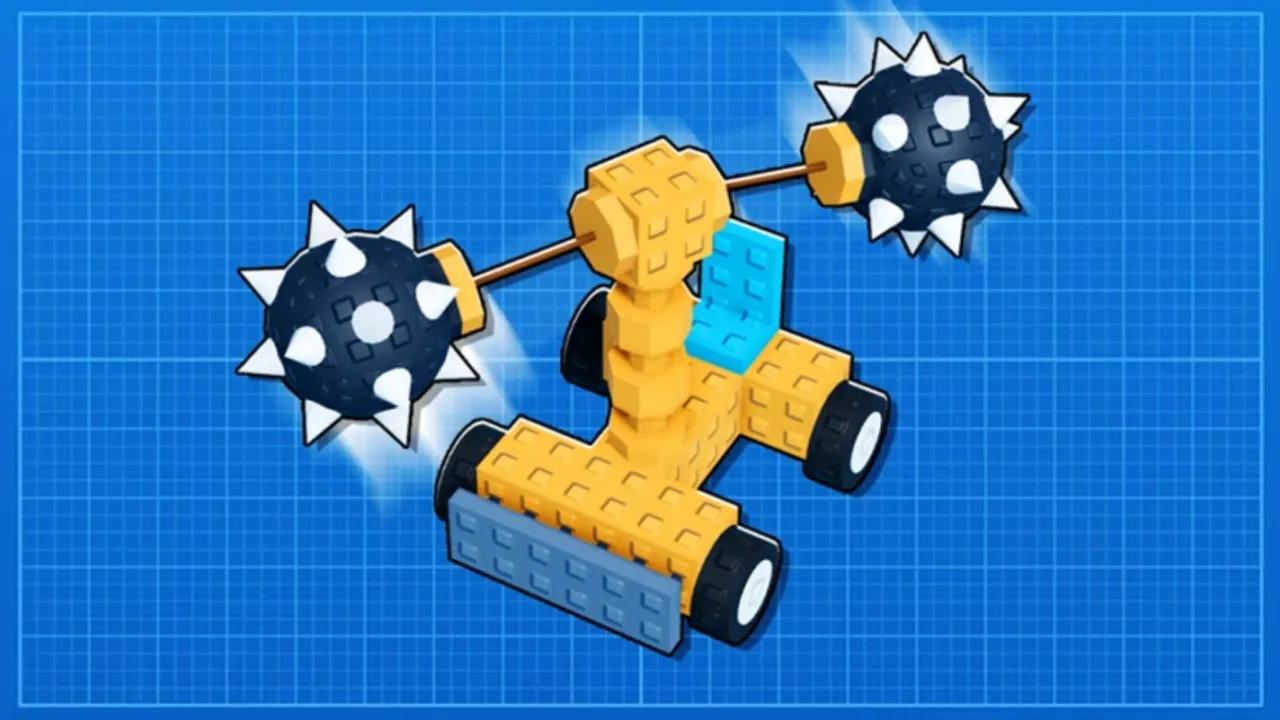
Build and Crush supports up to eight players per Roblox server. Multiplayer is not a separate mode—it is the default way Unsquared expects you to experience map destruction, blueprint voting, and chaotic physics once your garage build is roadworthy. Solo garage tinkering is fine, but public lobbies reward coordination: one player tanks landmarks, another sweeps debris, a third farms currency while plants grow at home.
This guide covers how sessions work, how to split roles, and how to avoid the etiquette mistakes that get you kicked from good lobbies. Pair it with Destroy the Map for weapon timing and Community Tips for Discord LFG norms.
How eight-player servers work
When you launch Build and Crush from the official Roblox page, matchmaking places you in an instance capped at eight concurrent players. Everyone shares:
- The destructible map and its reset or vote timers.
- Public crush events where community builds compete for demolition scores.
- Chat and emotes for quick coordination (keep calls short—Roblox moderation applies).
Your personal garage and crate plant plots remain account-bound; other players cannot steal stored parts from your private hub unless a specific public system says otherwise. What you bring to the map is the vehicle or weapon platform you spawn.
Joining and leaving cleanly
Join during lobby phases when possible—right after a map reset or before a vote countdown. Mid-crush joins may spawn you far from the active landmark with seconds left on the timer.
Leave before importing blueprints if you are testing experimental physics; a 200-part lag bomb hurts seven other players.
Rejoin after major desync—if your vehicle floats or inputs stop registering, reset rather than arguing in chat.
Co-op roles that actually help
Random eight-player lobbies work best when players implicitly specialize:
| Role | Job | Build traits |
|---|---|---|
| Spotter | Calls landmark weak points and timer | Light, fast camera car |
| Primary crusher | Focuses highest-value target | Heavy drill, ram, or missile from Best Builds |
| Sweeper | Clears secondary props for bonus drops | Wide plow or spinner |
| Support | Blocks physics grief, stabilizes ramps | Wide wheelbase, low center of mass |
| Farmer (optional) | Rotates out to tend crate plants | Minimal—often skips map phase |
You do not need voice chat; typed “LEFT TOWER” beats silence. On mobile, pre-set quick phrases through Roblox if available.
Voting on community builds
Many sessions let players vote on which community blueprint spawns for the next crush phase. Voting rules shift during early access, but principles stay stable:
- Vote for builds the server can actually destroy—absurdly laggy creations waste everyone’s timer.
- Credit creators when you recognize a trending Blueprint listing.
- Do not vote-kick meta builds just because you lose leaderboard rank; adapt your vehicle instead.
If you lose a vote, use the downtime to repair joints or swap weapons from the parts tier list.
Splitting rewards and currency
Map destruction payouts typically scale with participation—contact damage, assist destruction, or proximity rules depending on the patch. Standing idle near the spawn rarely beats active driving.
Kill-stealing (last-hit only rewards) frustrates teams. Give primary crushers space on the main target; sweepers take side props. If rewards feel unfair after an update, check the Updates hub for economy notes before accusing griefers.
Co-op vs competitive mindsets
Build and Crush lobbies mix both:
- Co-op: Everyone focuses one landmark to maximize shared currency before reset.
- Competitive: Players race for MVP demolition stats or speed-crush records.
Read chat tone in the first minute. If players coordinate callouts, join co-op mode. If names turn toxic, switch servers via Roblox menu—no pass or script fixes bad culture.
Private servers and friends
Roblox private servers (when enabled for the experience) let groups practice crush routes without pubbies interfering. Useful for:
- Testing a new Blueprint before publishing.
- Teaching friends Controls without timer pressure.
- Recording clean footage for creators.
Private servers still respect research and inventory rules—they are not admin sandboxes unless Unsquared grants owner tools.
Mobile vs PC in the same lobby
Mixed lobbies are common. PC players aim weapons precisely; mobile excels at driving simple ram builds. Avoid shaming platform choice—instead, match role to device. Mobile primary crushers should favor forgiving ram builds from Getting Started templates.
Anti-grief and reporting
Griefing includes: blocking spawn with unbreakable junk, intentionally flipping allies with physics exploits, or spamming lag builds. Use Roblox Report on repeated offenders and Unsquared Discord bug channels for physics exploits—not for one accidental bump.
Do not retaliate with executors; our Scripts hub explains account risk.
Multiplayer checklist before queueing
- Spawn a vehicle that moves under load (Garage Research T2 wheels minimum).
- Test weapon fire on a small prop alone.
- Read the map timer or vote UI once.
- Bring a backup simple ram build if your main creation flips.
- Favorite the Official Links page to rejoin quickly after crashes.
Related guides
- Destroy the Map — demolition mechanics and weapons
- Best Builds — vehicles suited for public lobbies
- Blueprints — sharing designs with strangers safely
- Game Passes — optional Robux perks, not required for co-op
Frequently Asked Questions
Quick answers to the most common questions.
How many players are in a Build and Crush server?
Up to eight players share one Roblox instance. Garage and crate progress stay on your account; the map phase is shared.
Can other players steal my parts?
Your stored inventory and garage plots are account-bound. Others interact with what you spawn on the map, not your private stash.
Is voice chat required?
No. Short text callouts and role splits work fine. Use Discord if your friend group wants voice outside Roblox.
Why do I get lag in eight-player crushes?
Large physics collapses stress Roblox simulation. Lower graphics, use simpler builds in crowded lobbies, or switch servers after mega-structure votes.
How do I find a co-op group?
Join Unsquared Discord from Official Links and look for LFG threads during peak hours, or queue public servers and coordinate in chat.