
Build and Crush Garage Research Planner Tool
Map your unlock path before spending points—interactive planner below.
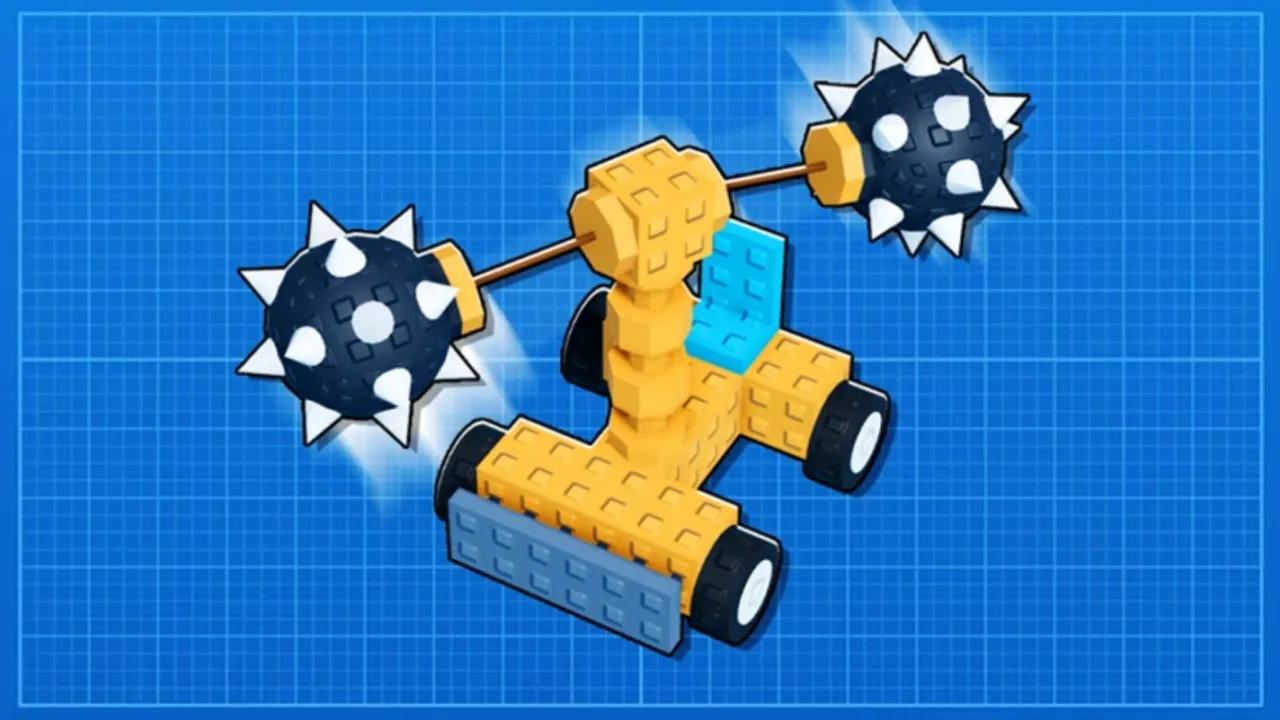
Garage Research is the longest progression line in Build and Crush. Every point spent opens new parts, plant slots, or soil tiers—but the tree is wide enough that random unlocks leave you with godly seeds you cannot plant or drillers you cannot attach. The Research Planner on this page helps you sketch a full unlock route before committing currency in-game.
Use it alongside the written Garage Research guide for mechanic explanations and the Garage Research tier list for meta priority when you are unsure which branch wins at each phase.
Why plan research before you spend
Early access patches add nodes and rebalance costs. Even so, the structure of progression stays consistent: joints before heavy weapons, mid-tier soil before R2 seeds, R2 stability before godly farming. Players who plan avoid these expensive mistakes:
- Unlocking cosmetic garage themes while R2 soil remains locked.
- Buying weapon sub-trees without chassis parts to support the weight.
- Splitting points across duplicate stat nodes that do not stack meaningfully.
- Reaching late game with only two plant slots when three or four are required for parallel crate income.
The planner visualizes dependencies so you see what gates what instead of reading patch notes blind.
What the Research Planner tool does
The interactive widget below mirrors the Garage Research tree as a checklist you can toggle on your device. Core features:
Phase tags — Label nodes as early, mid, or late so you align with the S/A/B priorities from the research tier list.
Running point total — Track approximate spend against your current balance. Enter session earnings manually if you want a “sessions until goal” estimate.
Soil and slot highlights — Critical milestones—R2 authorization, godly soil, extra plant slots—stand out so they are never buried under cosmetic picks.
Export-friendly summary — Copy your planned order into Discord notes or mobile reminders for grind sessions.
The tool is read-only against your live account. It does not connect to Roblox or modify saves. You still purchase unlocks inside Build and Crush; this page only organizes decisions.
Recommended workflow
- Mark what you already own in-game so the planner shows remaining nodes only.
- Select the next S-tier milestone—usually the next soil tier or plant slot—for your current phase.
- Fill A-tier prerequisites on the same path before drifting to side branches.
- Cross-check parts you want from the parts tier list and confirm research unlocks those categories.
- Revisit after patches listed on the Updates hub; drag priorities if Unsquared adds new gates.
Early game planning notes
First sessions should bias build limit, basic joints, and second plant slot in the planner. These unlocks compound every action: better vote scores, stable first crushers, and passive crate income while you crush.
Add starter soil II before investing heavily in weapon cosmetics. Without soil, purple chest plants underperform and skew your sense of which parts are weak.
Mid game — R2 bridge
When R2 seeds appear in inventory, prioritize R2 soil authorization in the planner immediately. Mid-game frustration often traces to holding seeds without soil, not bad luck on drops.
Schedule actuator or piston branches alongside R2 so drillers and sweepers from crate plants have timed movement. Reinforced chassis nodes should follow once weapons would otherwise rip your frame apart in co-op.
Late game — godly optimization
Late planners should highlight godly soil, stress-tolerant joints, and maximum plant slots as the final triangle. Godly crate farming only pays daily if you can plant, connect, and survive physics feedback from eight-player lobbies.
Weapon specialization sub-trees become optional once soil and slots are secure—pick the branch that matches your preferred builds from trending blueprints or personal experiments.
Limits and disclaimers
Point costs in the planner reflect wiki data at last update; Unsquared may hotfix numbers during early access. Always confirm final prices in-game before spending.
The planner cannot predict event-only research bonuses or temporary XP boosts. Treat output as a priority map, not a guarantee of session counts.
If a node name differs slightly from in-game UI after a patch, match by description and position in the tree, then report discrepancies through community channels on the Unsquared page.
After you plan — play smarter
Planning saves hours, but execution still happens in Roblox: run parallel plants, join vote lobbies with viable builds, and import blueprints only after your tree supports the parts. Return here whenever you earn a research level or when a new patch drops so your checklist stays honest.
Scroll to the interactive Research Planner below, mark your targets, and keep the Garage Research guide open for step-by-step screenshots of the in-game menu.
Interactive Research Checklist
Mark unlocks as you progress — saved locally in your browser.
Early game
Mid game
Late game
Priorities follow the research tier list. Confirm in-game costs before spending — early access patches may rebalance nodes.
Frequently Asked Questions
Quick answers to the most common questions.
Does the Research Planner connect to my Roblox account?
No. The tool runs locally in your browser as a planning checklist. You still purchase research unlocks inside Build and Crush; nothing on this page modifies your save.
How should I use this with the research tier list?
Use the tier list to learn which nodes are S, A, or B priority at each game phase, then mark those nodes in the planner to build a personal unlock route.
Will point costs always match the game?
Costs update when Unsquared patches the tree during early access. Treat totals as estimates and confirm final prices in-game before spending research currency.
What if I already spent points poorly?
Continue from your current tree state—mark owned nodes in the planner and prioritize missing S-tier gates like R2 or godly soil. Future QoL refund nodes may appear in patches.