
Build and Crush Tools
Interactive planners for research, parts, and build planning.
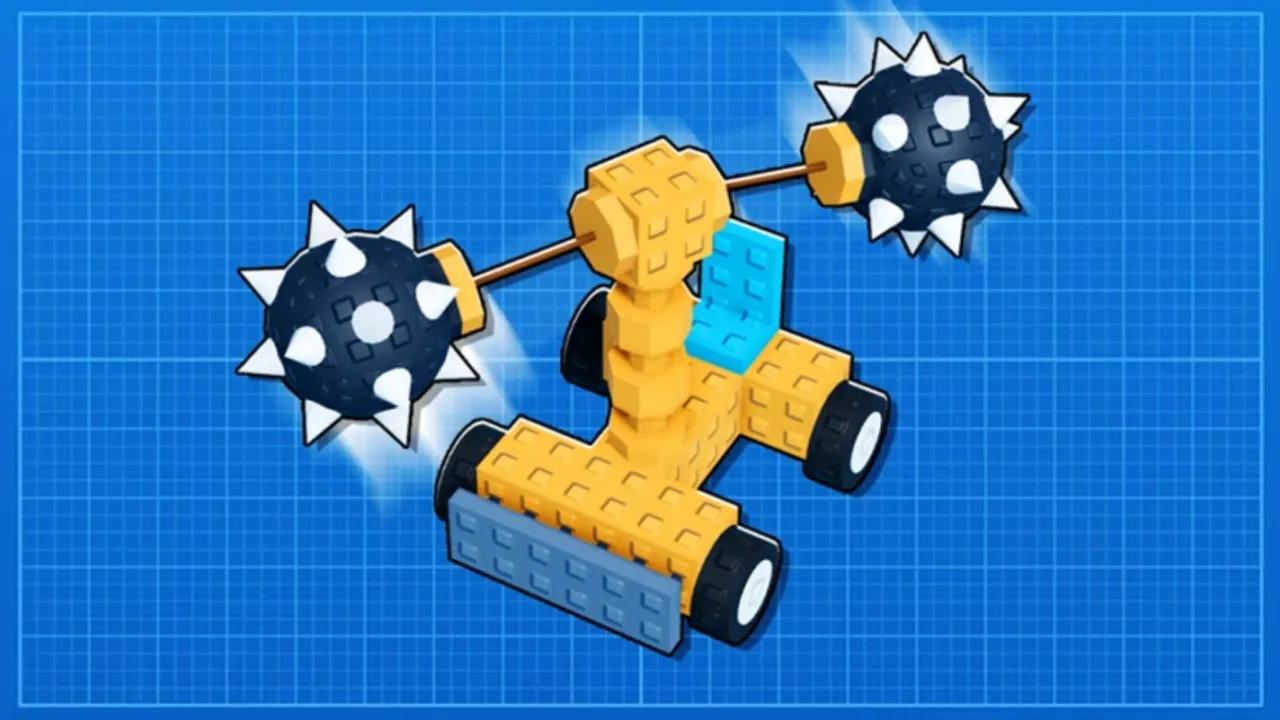
Guides explain how Build and Crush systems work; tools help you decide what to do next without spreadsheets. This hub collects interactive utilities built for Unsquared’s early access sandbox—starting with research planning and expanding as the wiki adds calculators players request. Every tool runs on the wiki itself (no downloads, no Roblox executors) and complements—not replaces—the depth in our Guides section.
If you are optimizing Garage Research before a long session, bookmark this page alongside the Tier List hub.
Available tools
Research Planner
The Research Planner is an interactive checklist for Garage Research unlocks. It helps you:
- Mark completed research nodes during early, mid, and late early-access progression
- Compare your plan against the Research tier list rankings
- Avoid duplicate unlocks when alt accounts or friends share progress screenshots
- Export a mental roadmap before spending limited research currency on novelty parts
Use it after reading Garage Research so you understand why certain nodes gate sweepers, drillers, or advanced crate interactions. The planner does not connect to Roblox accounts—it is a planning overlay you control locally in the browser.
When to use tools vs guides
| Situation | Start here |
|---|---|
| First time launching the game | Getting Started |
| Learning crate plant timing | Crate Plants |
| Choosing the next research unlock | Research Planner + Research tier list |
| Picking equippable parts today | Parts tier list + Best Builds |
| Checking patch impact | Updates hub |
Tools shine when you already understand mechanics and need a quick plan. Guides remain the source of truth for controls, blueprint etiquette, and multiplayer destruction tactics.
Design principles
All Build and Crush wiki tools follow the same constraints:
- No account login — we never ask for Roblox cookies or passwords
- No paywalls — utilities stay free on buildandcrush.wiki
- Mobile friendly — layouts respect phone players grinding crate timers away from PC
- Early access aware — when Unsquared rebalances research costs, we update tool defaults and link patch notes
This keeps tools aligned with our Scripts policy: legitimate assistance only.
Requesting new tools
Popular requests we evaluate next include crate harvest timers, blueprint budget calculators, and part inventory wishlists. Viable ideas must use public game knowledge, avoid automating live clients, and help solo or co-op players plan—not cheat. Send suggestions through Unsquared Discord feature threads or note them when comparing wiki pages after major updates.
Related resources
- Garage Research — system rules behind the planner
- How to Play — loop context for when planning matters
- Codes — future rewards that may change research economy
- Official Links — Roblox game page and community channels
Start with the Research Planner before your next upgrade session—you will spend less currency reclaiming unlocks you forgot were already owned.
Frequently Asked Questions
Quick answers to the most common questions.
Do Build and Crush wiki tools connect to my Roblox account?
No. Tools run locally in your browser and never ask for login details. You manually mark progress while playing.
Which tool should I use first?
Use the Research Planner if you are deciding Garage Research unlock order. Read the Garage Research guide first for context.
Are these tools available on mobile?
Yes. The Research Planner layout works on phones and tablets so you can plan during crate plant cooldowns.
Will new calculators be added?
We plan additional tools when they help legitimate progression. Requests that resemble executors or auto-farm bots are out of scope.
How do tools stay accurate after updates?
We sync tool defaults with patch notes on the Updates hub and tier list revisions whenever Unsquared changes research or crate economies.